

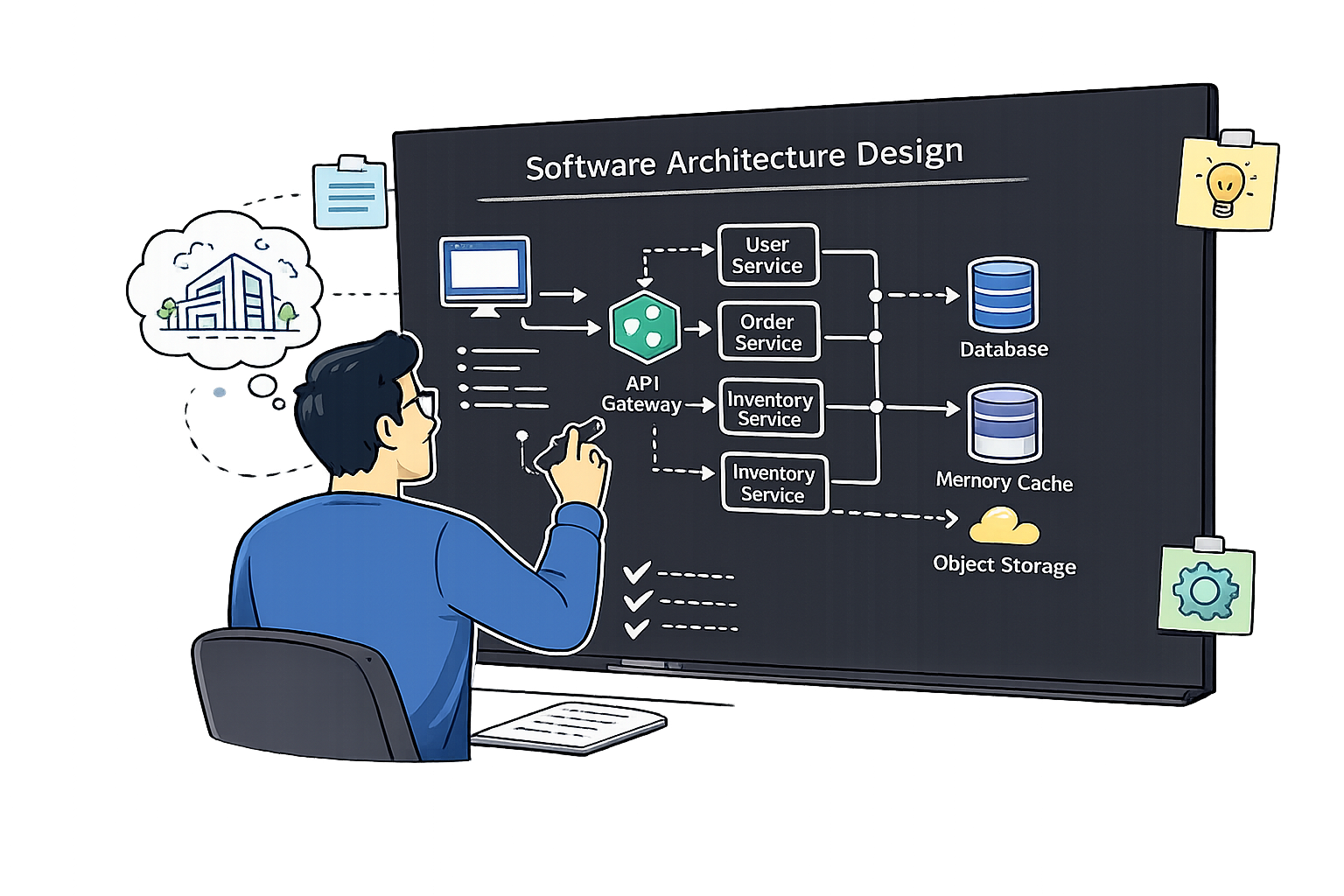
Methods for Architecture
Development
A complete reference covering iterative & incremental design, view-based architecture development, and top-down vs. bottom-up architecture approaches.
Iterative and Incremental Architecture Development
Architectural design is not a one-time task — changes and adaptations are necessary throughout the project. Early and continuous feedback is essential to avoid costly late-stage redesign.
Iterative
- Repeat the same steps in cycles — refine each pass
Incremental
- Deliver working slices — smaller steps, lower risk
Continuous Feedback
- Stakeholders, context & customers feed every iteration
- Next phase starts only when previous is fully completed
- The entire team works on the same phase at a time
- No feedback until all phases are complete
- High cost of late changes — problems found at testing are expensive
- Early and frequent delivery — working software sooner
- Close cooperation with customers throughout
- Embraces changing requirements — even late in development
- Simplicity — maximizing the work not done
- Continuous improvement within the development process
| Dimension | Waterfall / V-Model | Agile |
|---|---|---|
| Phases | Sequential, one at a time | Iterative cycles (sprints) |
| Requirements | Fixed upfront | Evolving and embraced |
| Feedback | Only at the end | Early and continuous |
| Change Cost | Very high if late | Lower — built-in adaptability |
| Customer Involvement | Mostly at start and end | Throughout the project |
| Risk | Problems discovered late | Risks surfaced early |
- Doing the same steps repeatedly in cycles
- Each cycle refines and improves the previous result
- Enables continuous feedback and course correction
- Multiple smaller steps rather than one giant leap
- Each increment delivers a partial but working solution
- Reduces complexity through smaller focus per iteration
- Risk is reduced — partial solutions are testable and deliverable
- Issues discovered early in small iterations
- No big-bang integration failure at the end
- Stakeholders see working results sooner
- Architecture validated against real requirements
- Continuous improvement built into each cycle
- Influencing factors, requirements & customer feedback feed back into each design iteration
- Architecture development draws from Agile: small, iterative cycles reduce risk and surface feedback early
- Waterfall: sequential, high late-change cost, no feedback until end
- Agile: iterative, embraces change, early and continuous feedback
- Iterative: same steps refined each cycle — enables continuous course correction
- Incremental: smaller steps, partial but working solutions delivered progressively
- Architecture design is not a one-time task — it evolves with requirements and feedback
- Continuous feedback from influencing factors, requirements, context & customers → better quality outcomes
View-Based Architecture Development
"Views are projections of the software architecture" — each view represents the system from a specific perspective, emphasising certain aspects while omitting others to manage complexity.
Context View
- System as a black box — external actors, interfaces & protocols
Building Block View
- Static decomposition — components, layers, dependencies
Runtime View
- Dynamic behaviour — interactions, processes, sequence flows
Deployment View
- Infrastructure mapping — servers, containers, network topology
- A representation of a system from a specific perspective/viewpoint
- Each view has its own, individual focus
- Certain aspects are emphasised; others are intentionally omitted
- Specialisation of views → better handling of complexity
- Views are not entirely independent — some information may appear in multiple views
- Views must be consistent — they must not contradict each other
- Together, views provide a complete picture of the architecture
Views must not contradict each other · Together they give a complete picture of the architecture
- System depicted as a black box
- Shows all external actors (systems, users)
- All interfaces to the outside world
- Interface type (network, batch, USB, file…)
- Communication protocols (HTTP, WebSockets…)
- Communication patterns (sync/async, push/pull…)
- Overview of most important use cases from external perspective
- Describes static decomposition of the system into building blocks
- Libraries, sub-systems, partitions, packages, classes, functions
- Describes relationships between building blocks
- Interfaces, dependencies, associations, inheritance
- Helps developers understand the system
- Supports project management with work package definition
- Describes interactions between building blocks at runtime
- How system components interact during execution of a use case
- Includes processes and threads
- How the system starts and terminates
- Building block instance lifecycles at runtime
- Helps developers & operations understand runtime behaviour
- Deployment of runtime elements (apps, Docker containers, libraries) to hardware components
- Servers, hosts, virtual machines
- Logical & physical channels between components
- Technical components: databases, servers, storage devices
- Runtime attributes: availability, capacity of networks and memory
- Helps DevOps/SREs manage environments, spot bottlenecks & risks
| View | Primary Audience | Key Purpose | Common Diagram |
|---|---|---|---|
| Context | All stakeholders, PMs, clients | System scope, external interfaces, use cases | Context Diagram |
| Building-Block | Developers, architects, PMs | Static structure, components, dependencies | Component / Class Diagram (UML) |
| Runtime | Developers, operations | Dynamic interactions, use-case flows | Sequence / Activity Diagram (UML) |
| Deployment | DevOps, SREs, operations | Infrastructure mapping, bottlenecks, costs | Deployment Diagram (UML) |
- Kruchten (4+1): Logical, Process, Development, Physical + Scenarios
- Hofmeister et al.: Conceptual, Module, Execution, Code View
- Clements et al.: Module, Component & Connector, Allocation View
- C4 (Simon Brown): Context, Container, Component, Code
- iSAQB: Context, Building-Block, Runtime, Deployment
- Context — system in its environment
- Container — apps, data stores, microservices
- Component — components inside a container
- Code — UML class diagrams
- Reference:
c4model.com
The same Mobile Fitness App is examined through each of the four iSAQB views. Each view targets a different stakeholder audience and captures a different dimension of the system — together they provide a complete, non-contradicting picture.
The system as a black box. Shows external actors, systems, and the interfaces/protocols that cross the system boundary. Audience: all stakeholders, PMs, clients.
- Mobile App (iOS/Android) — the system under development
- User — initiates workouts, views history, sets goals
- HealthKit / Google Fit — reads sensor & health data (OAuth2)
- Push Notification Service (APNs / FCM) — delivers alerts
- OAuth2 Provider (Google/Apple Sign-In) — authentication
- Analytics Backend — receives anonymised usage events (HTTPS)
- All external calls use HTTPS / REST; background sync via WebSockets
Static decomposition of the system: components, modules, interfaces, and their dependencies. Answers "what are the parts and how are they connected?" Audience: developers, architects.
- UI Layer — screens, navigation, state management (React Native / Swift)
- Activity Module — records workouts, calculates stats, manages goals
- User Module — profile, preferences, social graph
- Sync Module — offline queue, conflict resolution, background sync
- Notification Module — goal reminders, achievement badges, coach tips
- Analytics Module — session tracking, funnel events, crash reports
- Dependencies flow UI → Activity / User → Sync → Notification
Dynamic interactions between building blocks at runtime for a specific use case. Answers "what happens step-by-step when X occurs?" Audience: developers, operations.
- User taps "Start Workout" → UI Layer starts session timer
- UI Layer → Activity Module:
startSession(type, timestamp) - Activity Module → HealthKit: read heart rate & GPS data (streaming)
- User taps "Stop" → Activity Module:
finaliseSession(stats) - Activity Module → Sync Module:
enqueueUpload(sessionData) - Sync Module → Backend API:
POST /sessions(HTTPS) - Backend API → Activity Module (callback): achievement unlocked?
- Notification Module → APNs/FCM: push "🏆 New Personal Best!" badge
Maps runtime artifacts onto physical/virtual infrastructure: servers, containers, cloud regions, networks. Answers "where does everything run and how does it connect?" Audience: DevOps, SREs, ops team.
- User Device (iOS/Android) — runs the compiled app artifact
- CDN — serves static assets (icons, ML models) globally, low latency
- API Gateway (AWS ALB / Kong) — TLS termination, rate limiting, auth
- App Server cluster — 2+ Docker containers (ECS/K8s), auto-scaling, stateless
- PostgreSQL cluster (primary + 1 read replica) — user & activity data, ACID
- Redis cache — session tokens, leaderboard aggregations, TTL-based
- APNs / FCM — external push delivery, fire-and-forget
- All inter-node communication within private VPC; only API Gateway is public-facing
finaliseSession() call appears as the sequence step in the Runtime View — all three describe the same element from different angles. The Context View's APNs/FCM external system reappears as a deployment node in the Deployment View and as the last message in the Runtime View sequence.
- View = representation of the system from a specific perspective — certain aspects emphasised, others omitted
- Views must be consistent — they must not contradict each other
- Context View: system as black box, external actors, interfaces, communication protocols
- Building-Block View: static structure — components, packages, classes, dependencies
- Runtime View: dynamic interactions — processes, threads, use-case flows at execution
- Deployment View: infrastructure mapping — servers, containers, networks, availability
- Other models: C4 (Simon Brown), 4+1 (Kruchten), Hofmeister, Clements
- Together, views provide a complete, non-contradicting picture of the architecture
Top-Down vs. Bottom-Up Architecture Development
Architecture can be developed from the big picture down (Top-Down) or from existing components up (Bottom-Up). In practice, most projects use a combination of both.
Top-Down
- Start from high-level requirements & decompose into components step by step
Bottom-Up
- Start from existing components, libraries & patterns — compose upward
- Starting point: Vision of the complete system
- Decomposition into smaller sub-problems (analysis)
- Refine from black-box system → white-box components → detailed design
- Consistency and clean-cut interfaces from the start
- General understanding of the problem before implementation
- Starting point: Existing components, libraries, solutions
- Composition — building larger systems from parts
- Typically reuses existing components from vendors or internal R&D
- Beneficial when components are innovative and require R&D
- Good when different vendors develop those components
Top-down decomposes a vision into detail · Bottom-up composes detail into a system · Most projects combine both
| ✓ Advantages | ✗ Disadvantages |
|---|---|
| General understanding of problem before implementation | Difficult integration at the end if not carefully managed |
| Independent of hardware and programming language | Existing solutions & libraries may be ignored |
| No getting lost in details early on | Problems identified late may cause costly changes |
| Consistency & clean-cut distribution of responsibilities | Late feedback on whether design is actually suitable |
| Some problems easier to see from an overall perspective | Risk of over-engineering abstract layers |
SensorReading interface. Test each adapter in isolation with real hardware.| ✓ Advantages | ✗ Disadvantages |
|---|---|
| Existing components are typically reused | Not all parts/functions may be needed → increased complexity |
| Incremental testing → high user satisfaction | Orientation towards technical factors, not user requirements |
| Stepwise integration — validates at each stage | Danger of premature optimization |
| Real sub-problems are the starting point | Risk of uncontrolled growth ("Frankenstein Architecture") |
| Dimension | Top-Down | Bottom-Up |
|---|---|---|
| Starting point | Complete system vision | Existing components / sub-problems |
| Design direction | Decomposition — coarse to fine | Composition — fine to coarse |
| Feedback timing | Late (risk of wrong assumptions) | Early (real components validated first) |
| Reuse | May overlook existing solutions | High reuse of existing components |
| Integration risk | Integration challenges at end | Risk of uncontrolled growth |
| Best for | Greenfield projects with clear requirements | R&D, IoT, vendor-supplied components |
| Typical risk | Late feedback, over-abstraction | "Frankenstein Architecture" |
- Top-Down: start with complete system vision, decompose into smaller sub-problems (coarse → fine)
- Bottom-Up: start with existing components, compose them into a larger system (fine → coarse)
- Top-Down best for: greenfield projects with clear requirements — clean interfaces from the start
- Top-Down risk: late feedback, may miss existing solutions, over-abstraction
- Bottom-Up best for: IoT, R&D, multi-vendor — validates real components early
- Bottom-Up risk: "Frankenstein Architecture" — uncontrolled growth, premature optimization
- In practice: most projects combine both approaches — top-down for structure, bottom-up for proven parts
Iterative & Incremental Development
- Waterfall: sequential, high late-change cost
- Agile: iterative, early feedback, embraces change
- Iterative: same steps refined each cycle
- Incremental: smaller steps, partial solutions
- Architecture design is not a one-time task
View-Based Architecture
- View = projection of system from specific perspective
- Context — black box, external interfaces
- Building-Block — static structure & components
- Runtime — dynamic interactions at execution
- Deployment — infrastructure, DevOps, costs
Development Approaches
- Top-down: decompose from system vision
- Bottom-up: compose from existing components
- Top-down risk: late feedback, miss existing solutions
- Bottom-up risk: Frankenstein Architecture
- Best practice: combine both approaches